Trợ giúp
Phím tắt & Bảng lệnh
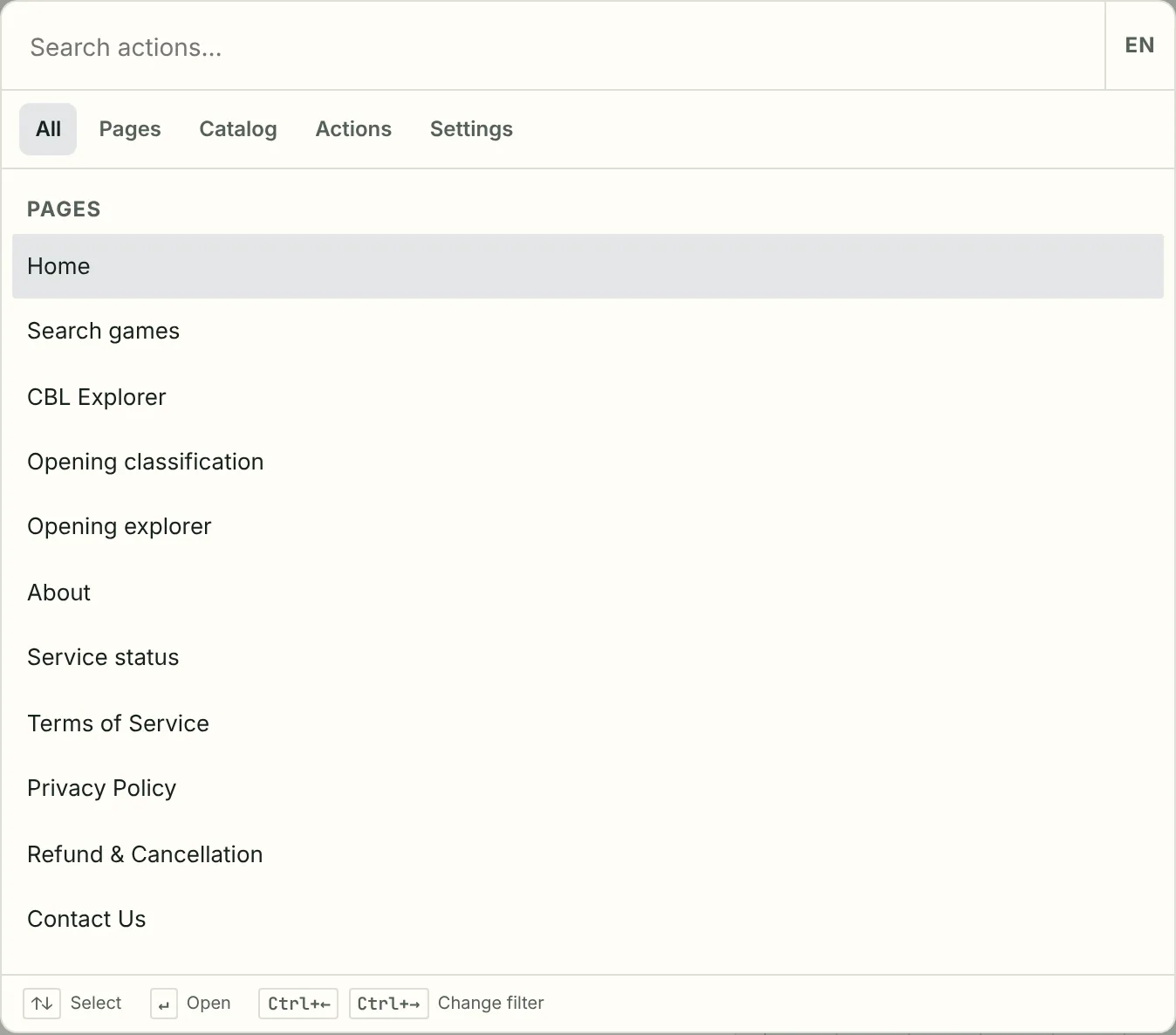
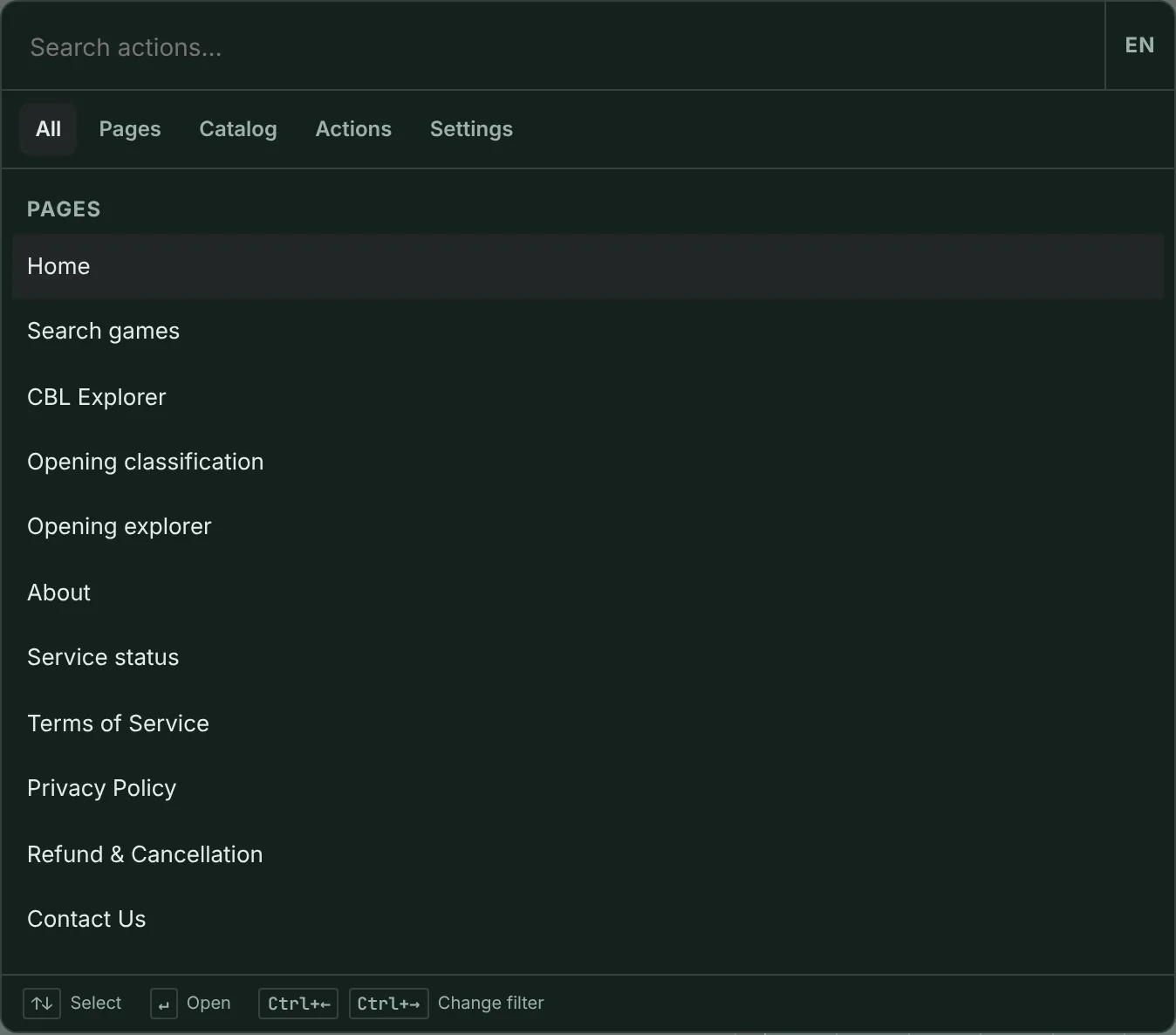
Trang chủ, CBL Explorer và Play dùng chung một bảng lệnh. CBL (và màn hình có thanh phím tắt) còn có bảng hướng dẫn phím.
-
Sử dụng Bảng lệnh
Nhấn Ctrl/⌘K (hoặc Ctrl/⌘Shift+P). Tab Trang giúp truy cập màn hình. Tab Mục lục tìm kiếm bộ sưu tập, giải đấu, sự kiện hoặc khai cuộc. Gõ tên cài đặt để chỉnh trực tiếp.
-
Bảng hướng dẫn phím tắt
Trên CBL, nhấn Shift+? hoặc nhấp thanh trạng thái để mở bảng phím tắt. Trang chủ và Trợ giúp không có thanh đó.
-
Trang chủ và Kết quả
Ô tìm ván nằm ở trang Kết quả sau khi một danh mục (hoặc truy vấn khác) đưa bạn tới đó. Trang chủ không có ô tìm ván. CBL Explorer có phím phát lại riêng.