Help
Keyboard & command palette
Home, CBL, and Play share a command palette. CBL (and other screens with a key strip) also have a shortcut guide.
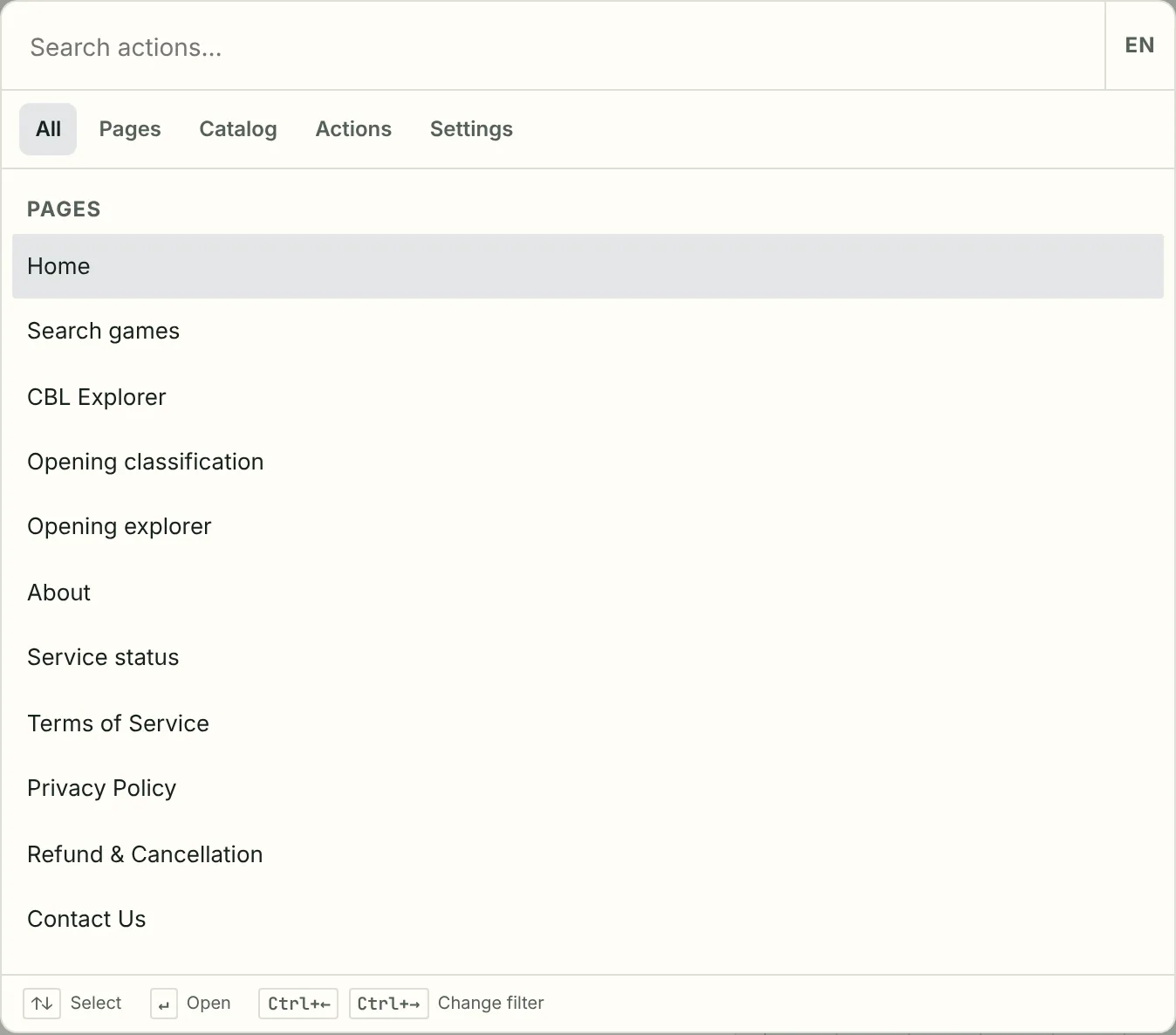
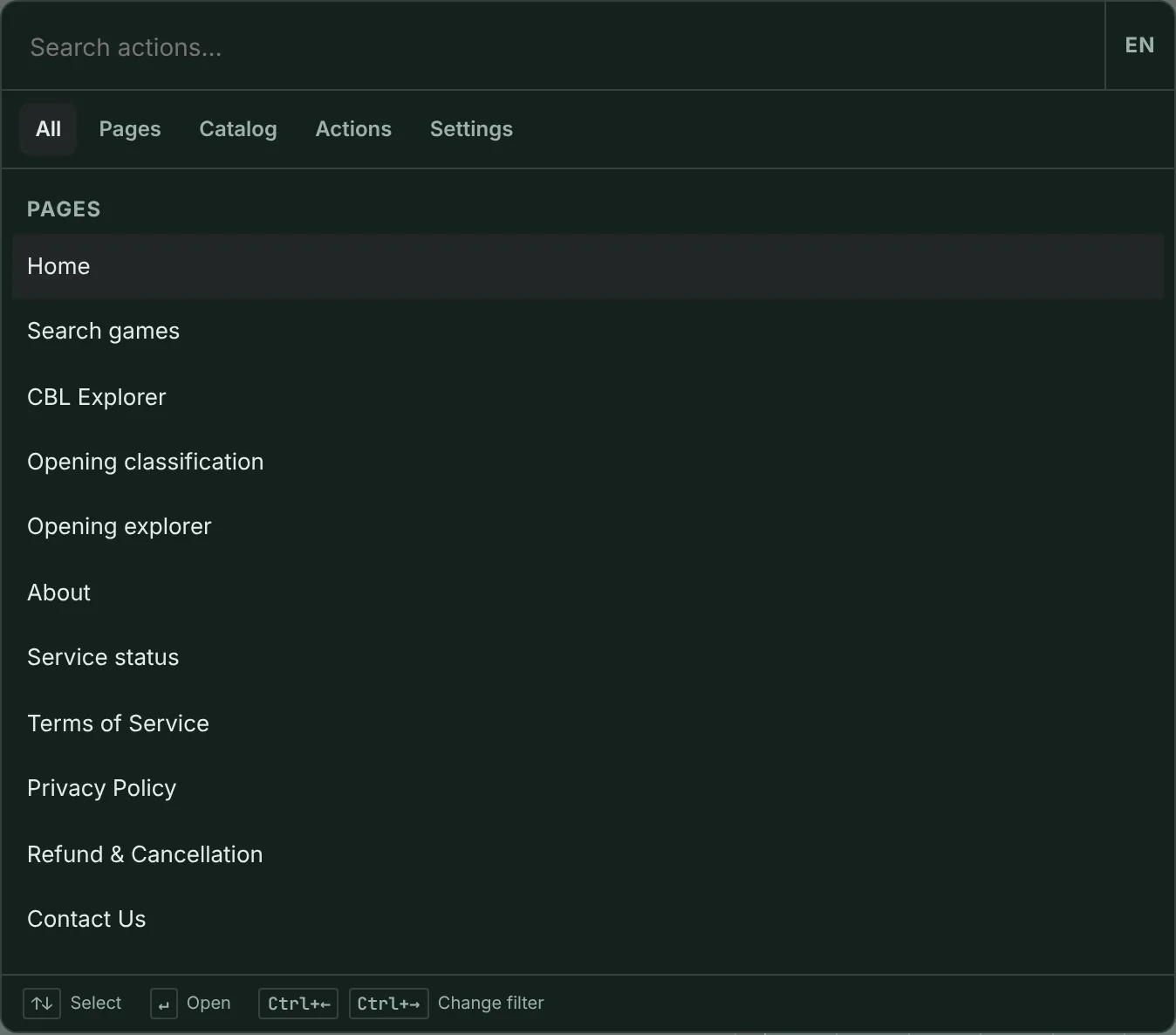
-
Command palette
Press Ctrl/⌘K (or Ctrl/⌘Shift+P). Pages jumps to a screen. Catalog finds a collection, tournament, event, or opening. Typing a setting name opens Settings on that control.
-
Shortcut guide
On CBL, Shift+? or a click on the status-bar key strip opens the shortcut guide. Home and Help do not show that strip.
-
Home and Results
Game search is on Results after a listing (or other query) sends you there. Home has no game-search box. CBL Board has its own playback keys.